How to Claim Your Google Business Profile in 10 Minutes
If customers search for your services on Google, your Google Business Profile may be one of the first things they see.
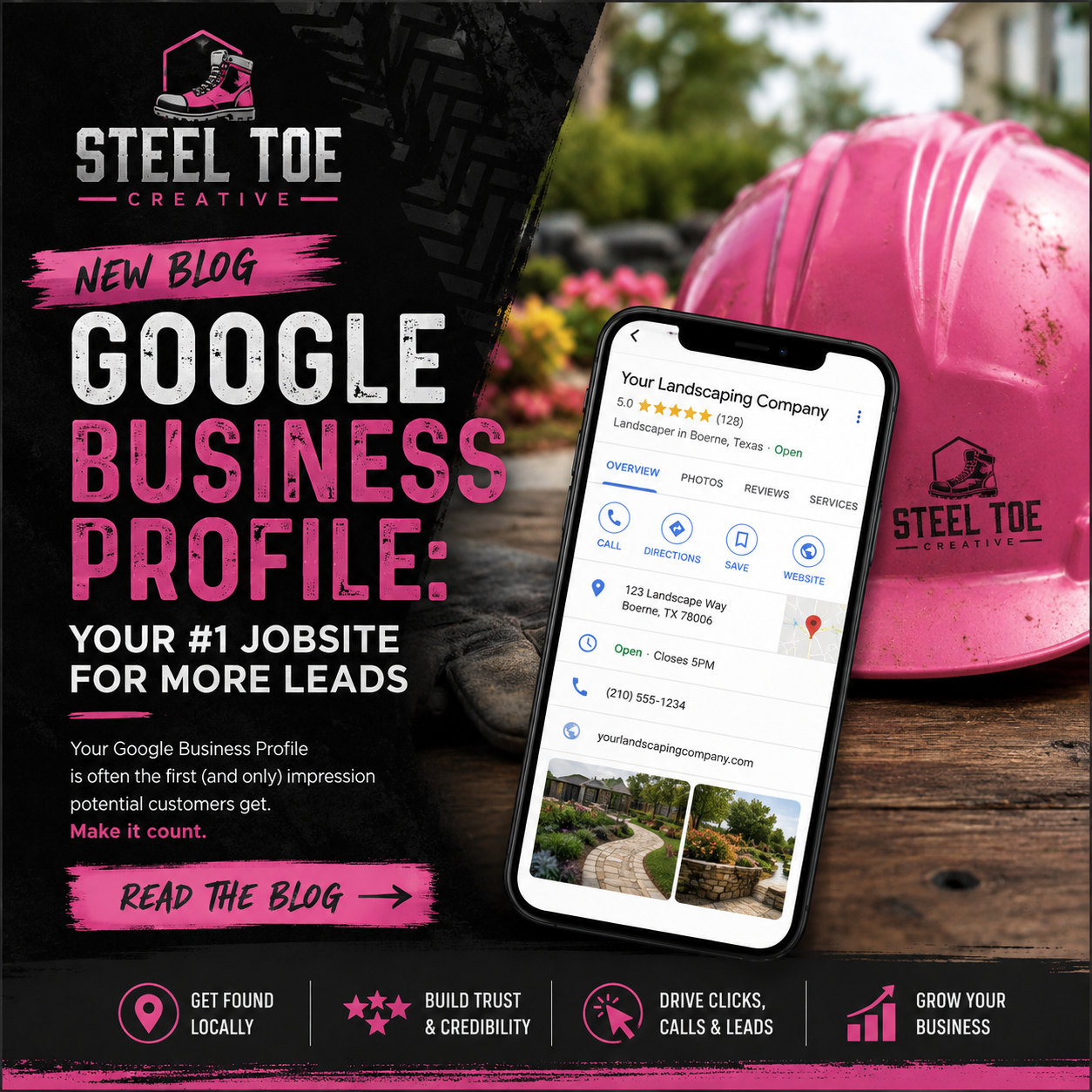
It can display your phone number, business hours, service area, photos, reviews, and directions directly in Google Search and Google Maps. If the profile is missing, incomplete, or controlled by someone else, potential customers may have trouble finding or trusting your business.
The good news is that you can start fixing this in about 10 minutes.
Step 1: Find and Claim Your Business Profile
Search Google for your exact business name and city.
If a profile already exists, look for an option such as “Own this business?” or “Claim this business.” Follow the prompts to request ownership.
Before creating a new listing, make sure there is not already one associated with your company. Duplicate profiles can confuse customers and create problems with your visibility, reviews, and business information.
If no profile exists, visit Google Business Profile and begin creating one using your official business name.
Step 2: Verify Your Business Information
Once you have access, review the information customers rely on most:
- Business name
- Phone number
- Website
- Business hours
- Service area
- Business category
- Address, if customers visit your location
Make sure the information matches what appears on your website and other online listings.
Google will also ask you to verify that you own or manage the business. The available verification method may include phone, text, email, video, or mail. Complete this step as soon as possible because an unverified profile may have limited visibility and features.
Step 3: Upload Real Project Photos
Photos help customers see that your company is active, legitimate, and capable of doing the work.
Upload clear, recent images of:
- Completed projects
- Work in progress
- Your team
- Branded trucks and equipment
- Your office or storefront
- Before and after results
Use real photos from your business whenever possible. A few strong project images can build more trust than a collection of generic stock photos.
Continue adding new photos regularly. An active profile gives potential customers a more accurate picture of your company and the quality of your work.
Why Your Google Business Profile Matters
Claiming your profile is not just an administrative task. It is a practical step toward getting found by customers who are actively searching for the services you provide.
A complete and accurate profile can help you:
- Appear in relevant local searches
- Show up more effectively on Google Maps
- Make it easier for customers to call or visit your website
- Build trust with photos and verified information
- Create a foundation for collecting Google reviews
Your profile does not need to be perfect on day one. Start by claiming it, verifying the essential details, and uploading several real photos. You can continue improving it over time.
What Comes Next?
Once your profile is claimed and complete, the next step is building a steady stream of customer reviews. Reviews can influence both customer trust and local visibility.
We will cover that in Episode 4.
Need Help Getting Found Online?
Steel Toe Creative helps landscaping, home service, and local businesses improve their websites, Google visibility, and lead generation systems.
Start with our free 21-Point Website Jobsite Inspection, or call us at (210) 701-1726.